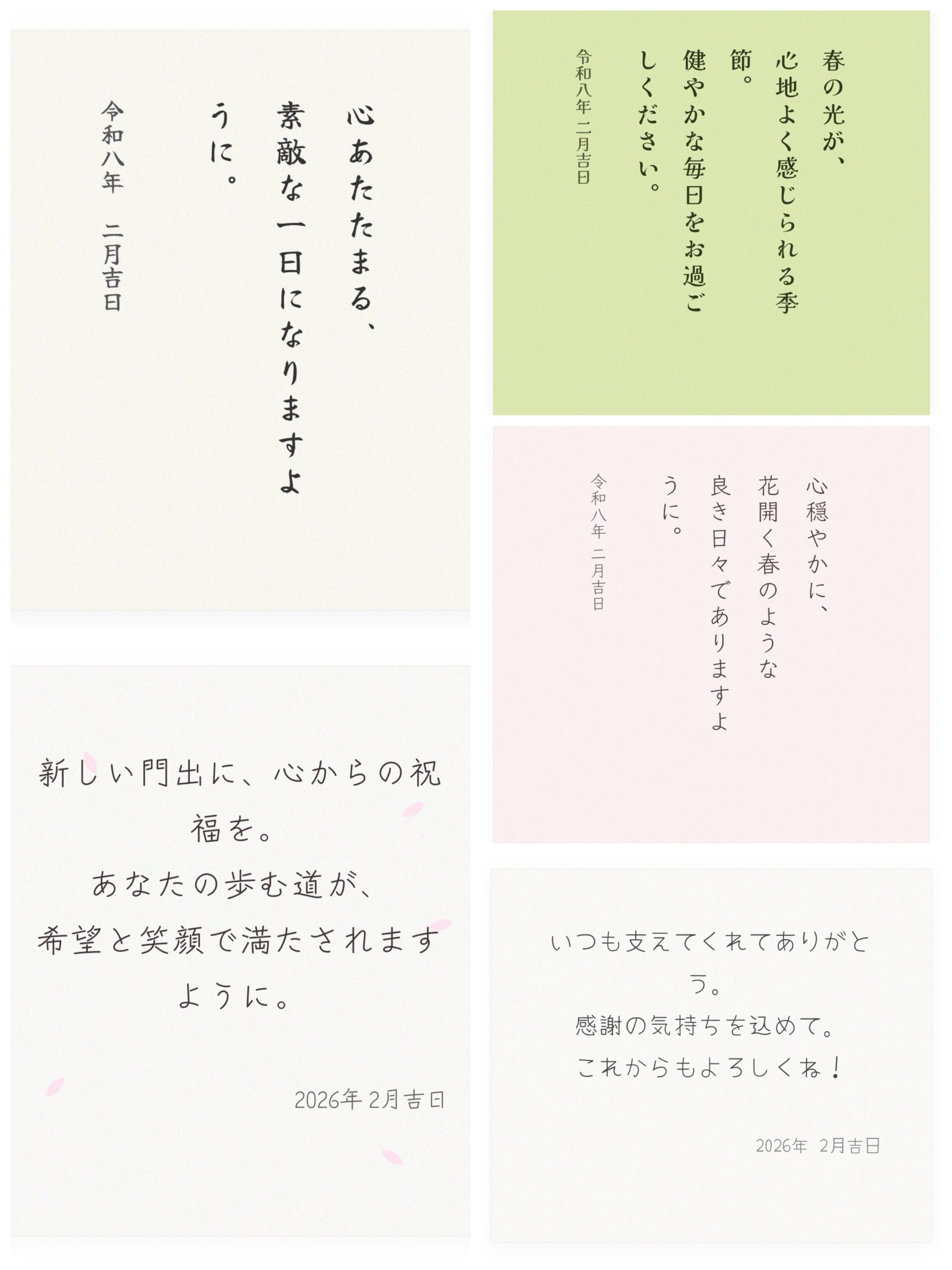
和紙のぬくもりを、デジタルでも。
大切な人へ送るメッセージ。画像を用意するのは大変ですが、HTMLとCSSの力を借りれば、まるで本物の和紙に書いたような情緒溢れるメッセージカードが作れます。
今回は、Google Fontsの美しい書体と、SVGで再現した和紙テクスチャを組み合わせた5つのデザインをご紹介します。気に入ったデザインがあれば、下のコピーボタンからコードをコピーして、あなたのサイトやブログでぜひ使ってみてくださいね。
HTMLコード
<link href="https://fonts.googleapis.com/css2?family=Yuji+Syuku&display=swap" rel="stylesheet">
<div style="padding:40px 20px; background:#fdfbf5; background-image:url('data:image/svg+xml,%3Csvg viewBox=\'0 0 400 400\' xmlns=\'http://www.w3.org/2000/svg\'%3E%3Cfilter id=\'n\'%3E%3CfeTurbulence type=\'fractalNoise\' baseFrequency=\'0.75\' numOctaves=\'3\'/%3E%3C/filter%3E%3Crect width=\'100%25\' height=\'100%25\' filter=\'url(%23n)\' opacity=\'0.15\'/%3E%3C/svg%3E'); border:1px solid rgba(0,0,0,0.02); min-height:350px; display:block; text-align:center;">
  <div style="writing-mode:vertical-rl; -webkit-writing-mode:vertical-rl; font-family:'Yuji Syuku', serif; color:#333; line-height:2.2; height:250px; margin:0 auto; text-align:left;">
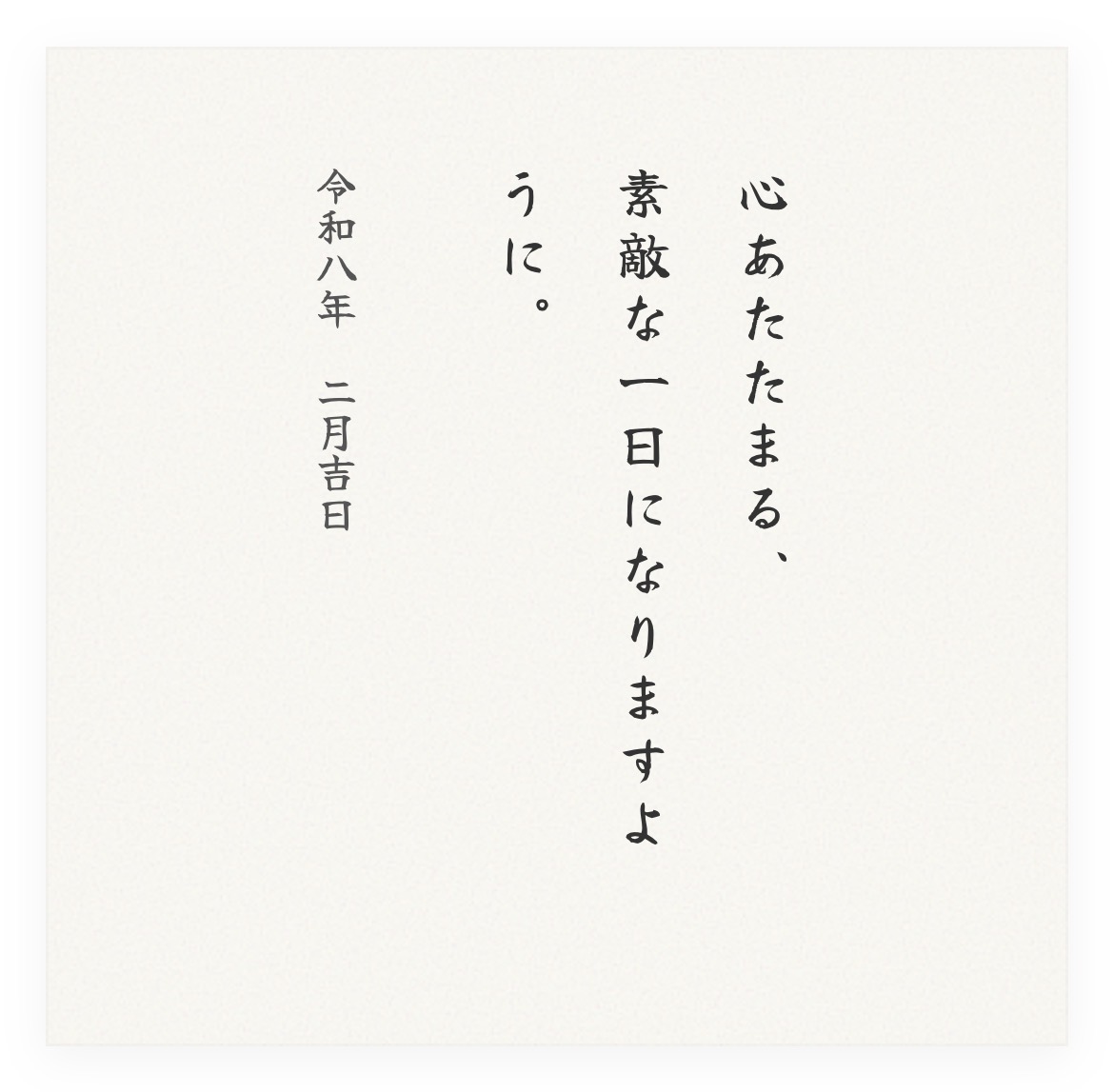
    <p style="font-size:1.2rem; letter-spacing:0.15em; margin:0;">心あたたまる、<br>素敵な一日になりますように。</p>
    <p style="font-size:0.9rem; margin-right:2em; color:#555;">令和八年 二月吉日</p>
  </div>
</div>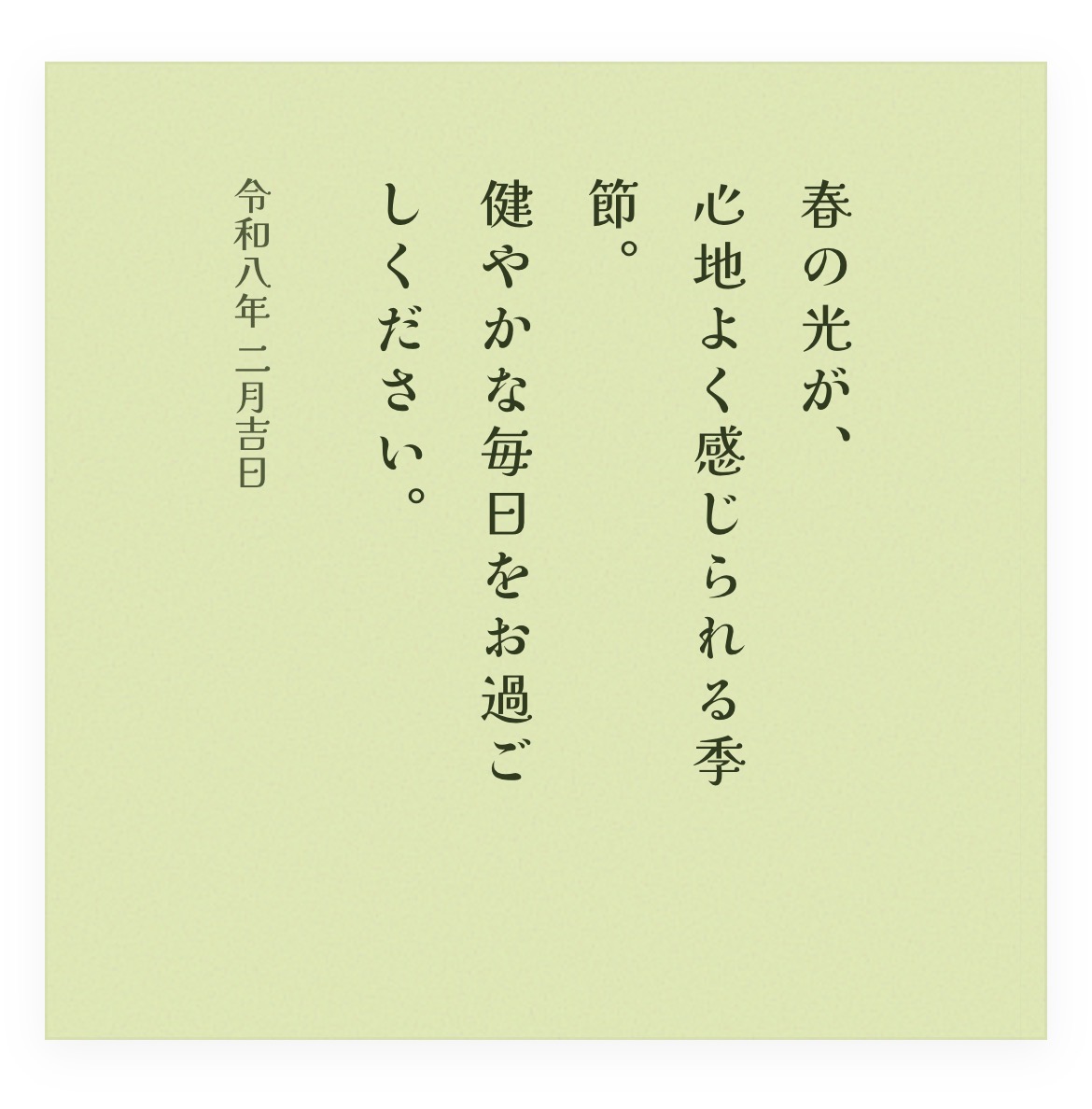
HTMLコード
<link href="https://fonts.googleapis.com/css2?family=Kaisei+Tokumin:wght@500&display=swap" rel="stylesheet">
<div style="padding:40px; background:#e0ebaf; background-image:url('data:image/svg+xml,%3Csvg viewBox=\'0 0 400 400\' xmlns=\'http://www.w3.org/2000/svg\'%3E%3Cfilter id=\'n\'%3E%3CfeTurbulence type=\'fractalNoise\' baseFrequency=\'0.7\' numOctaves=\'3\'/%3E%3C/filter%3E%3Crect width=\'100%25\' height=\'100%25\' filter=\'url(%23n)\' opacity=\'0.18\'/%3E%3C/svg%3E'); display:flex; justify-content:center; align-items:center; min-height:300px;">
  <div style="writing-mode:vertical-rl; -webkit-writing-mode:vertical-rl; font-family:'Kaisei Tokumin', serif; color:#2d3a1a; line-height:2.0; height:220px;">
    <p style="font-size:1.2rem; letter-spacing:0.15em; margin:0;">春の光が、<br>心地よく感じられる季節。<br>健やかな毎日をお過ごしください。</p>
    <p style="font-size:0.85rem; margin-right:1.5em; opacity:0.8;">令和八年 二月吉日</p>
  </div>
</div>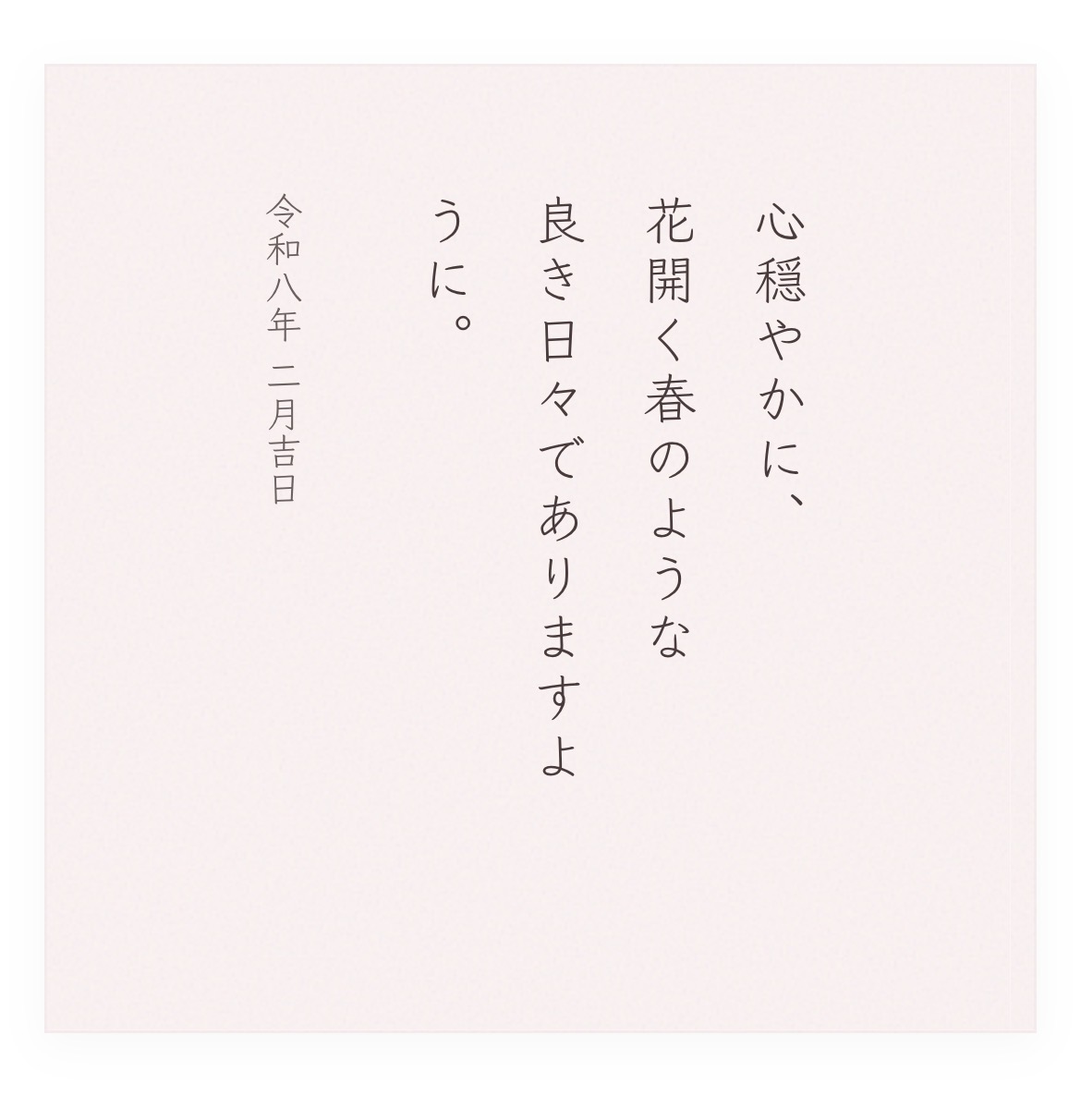
HTMLコード
<link href="https://fonts.googleapis.com/css2?family=Klee+One:wght@400;600&display=swap" rel="stylesheet">
<div style="padding:45px; background:#fef4f4; background-image:url('data:image/svg+xml,%3Csvg viewBox=\'0 0 400 400\' xmlns=\'http://www.w3.org/2000/svg\'%3E%3Cfilter id=\'n\'%3E%3CfeTurbulence type=\'fractalNoise\' baseFrequency=\'0.65\' numOctaves=\'3\'/%3E%3C/filter%3E%3Crect width=\'100%25\' height=\'100%25\' filter=\'url(%23n)\' opacity=\'0.12\'/%3E%3C/svg%3E'); display:flex; justify-content:center; align-items:center; min-height:300px;">
  <div style="writing-mode:vertical-rl; -webkit-writing-mode:vertical-rl; font-family:'Klee One', serif; color:#4a3b3b; line-height:2.1; height:220px;">
    <p style="font-size:1.2rem; letter-spacing:0.12em; margin:0;">心穏やかに、<br>花開く春のような<br>良き日々でありますように。</p>
    <p style="font-size:0.85rem; margin-right:1.8em; opacity:0.8;">令和八年 二月吉日</p>
  </div>
</div>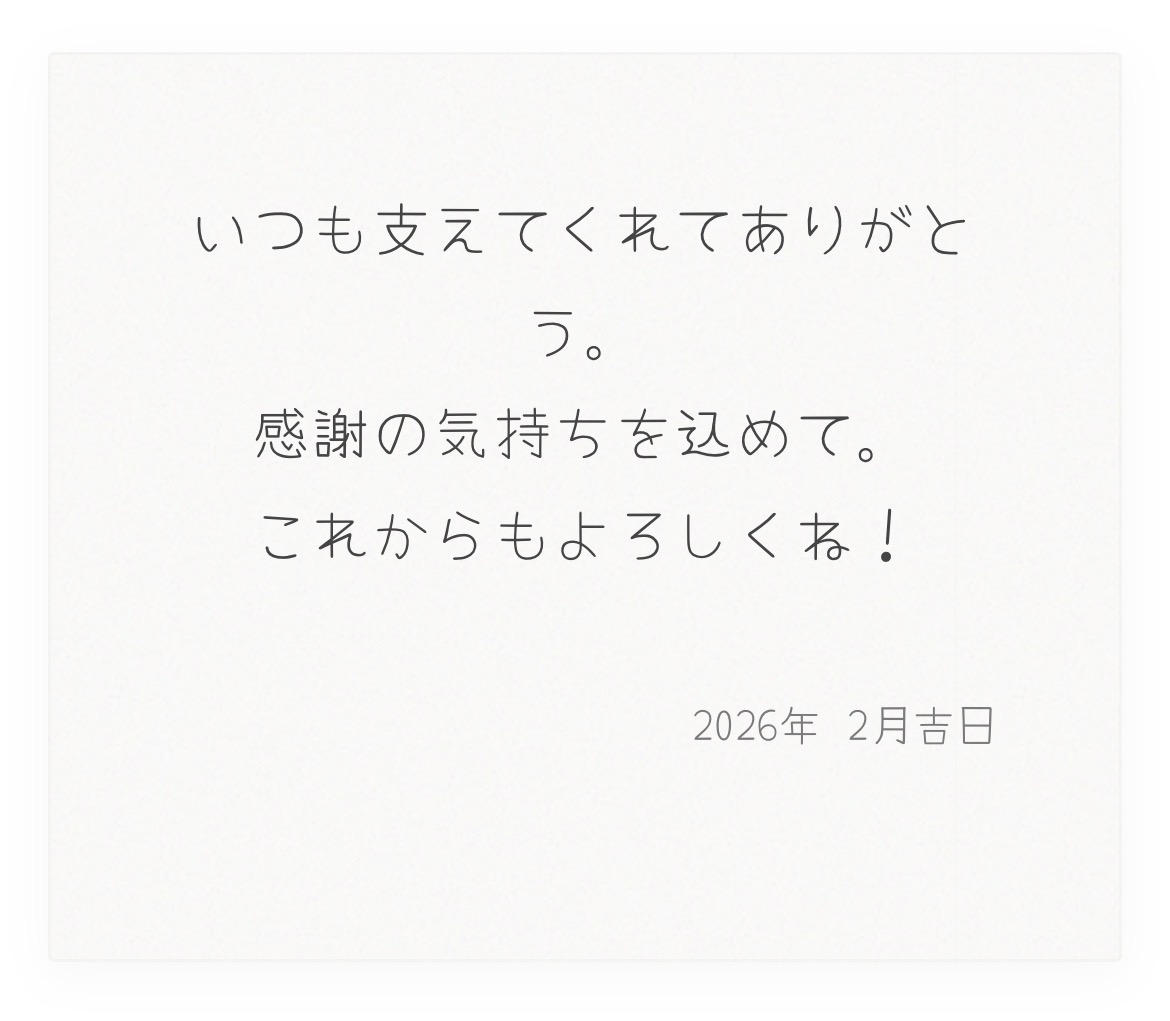
HTMLコード
<link href="https://fonts.googleapis.com/css2?family=Yomogi&display=swap" rel="stylesheet">
<div style="padding:40px; background:#fdfdfb; background-image:url('data:image/svg+xml,%3Csvg viewBox=\'0 0 400 400\' xmlns=\'http://www.w3.org/2000/svg\'%3E%3Cfilter id=\'n\'%3E%3CfeTurbulence type=\'fractalNoise\' baseFrequency=\'0.8\' numOctaves=\'4\'/%3E%3C/filter%3E%3Crect width=\'100%25\' height=\'100%25\' filter=\'url(%23n)\' opacity=\'0.12\'/%3E%3C/svg%3E'); border:1px solid rgba(0,0,0,0.02); text-align:center; min-height:250px; display:flex; flex-direction:column; justify-content:center; align-items:center;">
  <div style="font-family:'Yomogi', cursive; color:#444; line-height:1.8;">
    <p style="font-size:1.2rem; letter-spacing:0.05em; margin:0 0 20px 0;">いつも支えてくれてありがとう。<br>感謝の気持ちを込めて。<br>これからもよろしくね!</p>
    <p style="font-size:0.9rem; text-align:right; opacity:0.7;">2026年 2月吉日</p>
  </div>
</div>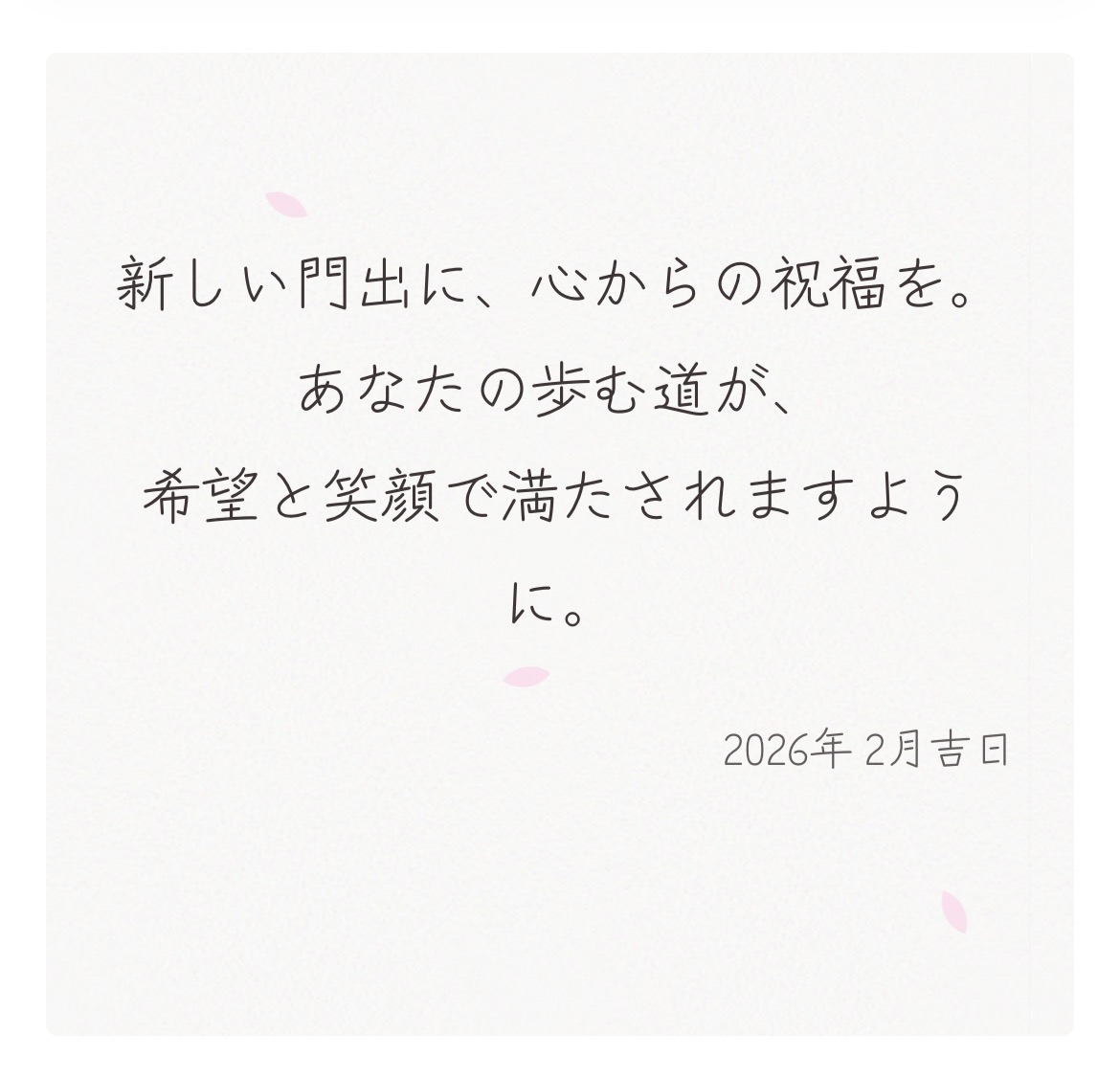
HTMLコード
<link href="https://fonts.googleapis.com/css2?family=Zen+Kurenaido&display=swap" rel="stylesheet">
<div style="position:relative; width:100%; padding:60px 20px; background:#fdfdfb; background-image:url('data:image/svg+xml,%3Csvg viewBox=\'0 0 400 400\' xmlns=\'http://www.w3.org/2000/svg\'%3E%3Cfilter id=\'n\'%3E%3CfeTurbulence type=\'fractalNoise\' baseFrequency=\'0.85\' numOctaves=\'4\'/%3E%3C/filter%3E%3Crect width=\'100%25\' height=\'100%25\' filter=\'url(%23n)\' opacity=\'0.15\'/%3E%3C/svg%3E'); overflow:hidden; border-radius:4px; text-align:center;">
  <style>
    .petal { position:absolute; background:#ffdbed; border-radius:150% 0 150% 0; width:12px; height:12px; opacity:0; z-index:1; animation:drift 10s infinite linear; }
    .p1 { top:-10%; left:20%; animation-delay:0s; }
    .p2 { top:-10%; left:50%; animation-delay:2.5s; }
    .p3 { top:-10%; left:80%; animation-delay:5s; }
    .p4 { top:-10%; left:40%; animation-delay:7.5s; }
    @keyframes drift {
      0% { top:-10%; transform:translateX(0) rotate(0deg); opacity:0; }
      10% { opacity:0.8; }
      90% { opacity:0.8; }
      100% { top:110%; transform:translateX(30px) rotate(360deg); opacity:0; }
    }
  </style>
  <div class="petal p1"></div><div class="petal p2"></div><div class="petal p3"></div><div class="petal p4"></div>
  <div style="position:relative; z-index:2; font-family:'Zen Kurenaido', sans-serif; color:#3d3535; line-height:1.8;">
    <p style="font-size:1.3rem; margin:0 0 20px 0;">新しい門出に、心からの祝福を。<br>あなたの歩む道が、<br>希望と笑顔で満たされますように。</p>
    <p style="font-size:0.95rem; text-align:right; opacity:0.8;">2026年 2月吉日</p>
  </div>
</div>
使い方のヒント
- メッセージの変更: コード内の「心あたたまる…」などのテキスト部分を自由に書き換えてください。
- 縦書きの改行: 縦書きデザインで改行したいときは
<br>を入れると綺麗に次の行へ移ります。 - 色の調整: 背景色(background)のコードを変えるだけで、あなた好みの和紙色にアレンジ可能です。
文字と背景の組み合わせひとつで、メッセージの伝わり方はガラリと変わります。あなたの言葉が、素敵なカードに乗って大切な人に届きますように!
コメント